25 bills
Regular price: $1,000, $40 a bill
Founding price: $750
$30 a bill
$1,000
$40 a bill
Paid up front. Bills never expire.
For Wisconsin attorneys who take SPD appointments
Vigil builds the State Public Defender bill for Wisconsin private attorneys who take SPD appointments. Open the case, tap the microphone and say what you did. Vigil drafts the entries, checks them against SPD’s billing rules and builds the file that you submit to SPD. Nothing counts until you approve it.
A flat price per bill. Never a percentage of your bill.
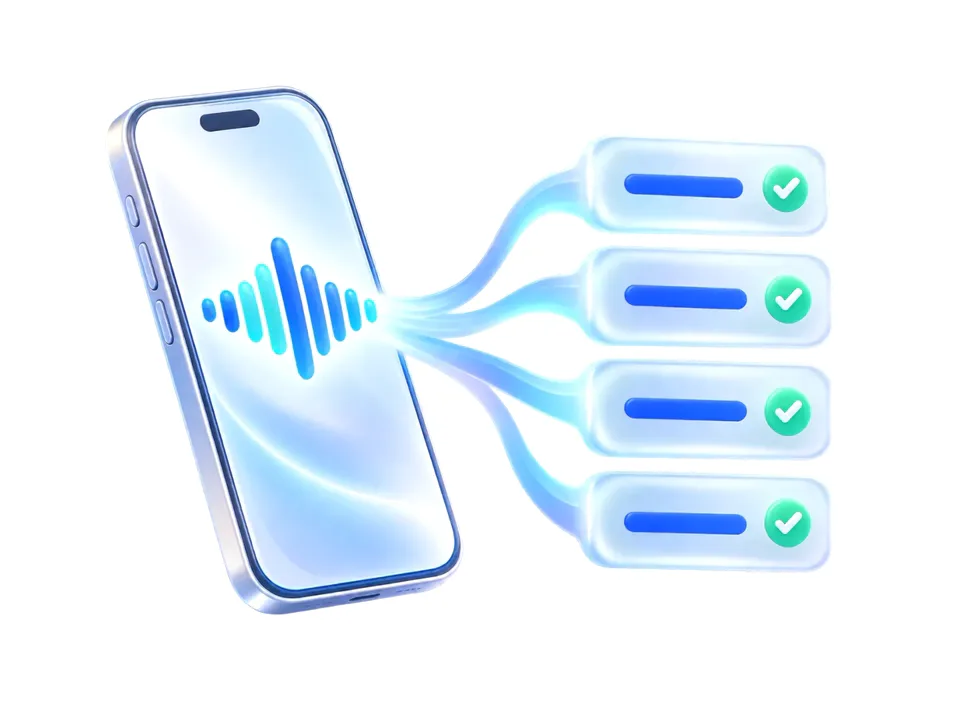
A spoken note becomes four draft entries. Nothing counts until you approve it.
Example. Details made up.
When the case ends
Without Vigil, the case ends and the billing starts. With Vigil, you logged the work as it happened, so the bill is ready with one click.
The case ends. And the billing starts.
Dig through the case file.
Scroll back through your calendar.
Piece the time together, entry by entry.
Type it into SPD’s site.
Weeks to months later. The bill is finally submitted.
The case ends. Everything is already logged and approved.
One click builds the bill.
The bill is ready. The same day.
Every time.
Every entry is checked against SPD’s billing rules before the bill can be built.
What the rules check coversEvery recording, note and edit is kept for at least 3 years after each bill, because SPD can ask for the records behind any entry.
How it works
You log the work in the case. Vigil drafts the entries and checks them. Nothing goes on the bill until you approve it.
Illustration: a phone with a sound wave on its screen. Bill lines flow out of it, each one with a green check.
Step 1
Open the case and tap the microphone, or type. Say what you did, with as much detail as you like. Each note is saved to the case with the time.
Step 2
Each entry is written as what you did, in plain words, with the time you stated. Where something is unclear, Vigil asks you a plain question.
Step 3
Each one is checked against SPD’s billing rules. When something doesn’t fit, Vigil shows you why.
Step 4
Each line reads as what you did, in plain words. For a voice note, you first confirm what Vigil heard. Every edit Vigil makes is logged.
Step 5
Vigil builds the file SPD’s billing site accepts, in SPD’s own format, plus the numbers that go outside it: the Mileage box total, expenses and receipts. You upload it and certify it yourself.
Step 6
After SPD pays, enter or forward the payment details. Vigil shows SPD’s adjustments and the records behind them.
Examples. Details made up.
Where your money stands
One screen for all your SPD cases. Every figure is an estimate at SPD’s rates, and only lines you’ve approved count. SPD decides what it pays.
Your SPD moneyExample
Estimates at SPD’s rates. SPD decides what it pays.
Logged,
not yet billed
$1,912.20
16 hours 27 minutes of work, 3 hours 6 minutes of travel, 220 miles
Billed,
waiting on SPD
$2,882.18
24 hours 36 minutes of work, 5 hours 12 minutes of travel, 318 miles
Paid
$8,032.42
71 hours 21 minutes of work, 11 hours 24 minutes of travel, 642 miles
Adjustments
$190.00
1 hour 54 minutes of work on 4 lines
2 drafts are waiting for your OK. They aren’t counted until you approve them.
How the estimate is figured: $100 an hour for work, $50 an hour for travel and $0.51 a mile, on cases assigned since July 1, 2023. Paid amounts and adjustments come from the payment details you enter or forward.
A smaller version sits under each case, with the same estimates.
State v. DoeOpen
State v. RoePaid
Example. Numbers made up.
The rules check
Every entry is checked against SPD’s billing rules before it can go on a bill. Here is what Vigil looks for, in plain words.

Every entry uses an activity type from your case’s own SPD list, spelled exactly the way SPD spells it.
Travel time only when the trip leaves your office county or runs more than 30 miles one way. Every trip shows the time, the cities, round trip or one way, and the miles.
Texts are billed at 0.01 hour each and voicemails at no more than 0.05, each on a line of their own with the count.
In-court and out-of-court work go on separate lines.
No clerical work, no time on SPD forms or billing, and no calls that didn’t connect.
No work dated before the day you were appointed.
Every “Explain” entry gets a real description of the work, not a placeholder.
Your hours each day are counted across all your SPD cases, not just this one.
The rate follows the day the case was assigned, not the day of the work. Cases at different rates never share a bill.
A client’s companion cases are billed together, the way SPD’s rules require.
Expenses never go in the file. Anything of $100 or more, and every expert, investigator or paralegal, needs SPD’s approval first.
Billing deadlines are counted from the day the case ended, so you can see how much time is left.
The rules check follows SPD’s published billing rules as Vigil understands them. SPD decides what it pays, and Vigil doesn’t promise that a line won’t be adjusted.
What stays yours
Vigil prepares the bill. The decisions, the certification and the payment stay with you.

You upload each bill to SPD’s site and certify it yourself.
Vigil never logs in to SPD’s site and never holds your SPD password.
Vigil never touches that money.
You see every line, and nothing Vigil suggests counts until you approve it.
Vigil never makes up, pads or rounds up time.
Vigil gives no legal advice, doesn’t argue adjustments or appeals, and never contacts your clients.
AI and confidentiality
Here is how AI is used, and who can see your clients’ information.
AI turns what you said or typed into draft entries. Every entry still goes through the rules check and your approval.
Vigil’s AI providers are bound in writing not to train on your data and to delete it within 30 days, unless the law requires them to keep it longer.
Your recordings and notes are kept in Vigil’s own storage and go only to those AI providers.
Your data is kept separate from every other attorney’s.
Only Vigil team members under a written confidentiality agreement can see your data, and you can see who opened it and when.
Pricing
You pay by the bill. A client’s companion cases go on one bill. Buy bills in a pack, or pay as you go.

Founding prices through December 15
Regular price: $1,000, $40 a bill
Founding price: $750
$30 a bill
$1,000
$40 a bill
Paid up front. Bills never expire.
Regular price: $1,750, $35 a bill
Founding price: $1,250
$25 a bill
$1,750
$35 a bill
Paid up front. Bills never expire.
Regular price: $3,000, $30 a bill
Founding price: $2,000
$20 a bill
$3,000
$30 a bill
Paid up front. Bills never expire.
$50 a bill
Nothing up front
During a month You download bills.
The 1st of the next month One invoice for those bills.
45 days later The invoice is due.
Still unpaid on day 45? Your card on file is charged.
One SPD invoice is one bill, including a bill that covers a client’s companion cases, however many.
FAQ
Something else on your mind? Email chris@vigil.law.
Yes. Vigil builds the file SPD’s billing site accepts, plus the numbers that go outside it: the Mileage box total, expenses and receipts. You upload the file and certify the bill yourself. Vigil never logs in to SPD’s site and never holds your SPD password.
Open the case in Vigil and tap the microphone, then say what you did. Or type it. Give as much detail as you like. Each recording and note is saved to the case with the time, and Vigil drafts the entries right away.
AI drafts the entries from what you said or typed, and asks you a plain question where something is unclear. It never proposes hours you didn’t state. Every entry is checked against SPD’s billing rules, and nothing goes on a bill until you approve it.
No. You see every line before you approve it, and nothing Vigil suggests counts until you do. Every edit Vigil makes is logged.
One SPD invoice is one bill. A bill that covers a client’s companion cases is still one bill, however many cases it covers. A bill is used the first time you download its file. Downloading it again uses nothing. On pay as you go, each bill is $50.
The service is the same either way. A pack is paid up front and costs less per bill. Pay as you go is $50 a bill, with nothing up front. Pack bills are always used first. If a pack runs out with auto-refill off, you move to pay as you go, and you can buy a pack anytime.
Vigil sends one invoice on the 1st of each month for the bills you downloaded the month before. It is due 45 days later. Your card on file is charged only if the invoice is still unpaid on the due date, after a reminder at least 7 days ahead. The invoice is owed whether or not SPD has paid you.
Those are backlog bills. Vigil builds them from the time records you kept. Your first 3 are free, whichever way you pay.
Everything you give Vigil is confidential and is used only to provide Vigil’s service to you. Your data is kept separate from every other attorney’s. Only Vigil team members under a written confidentiality agreement can see it, and you can see who opened it and when. Vigil never sells your data. Its AI providers are bound in writing not to train on it and to delete it within 30 days, unless the law requires them to keep it longer. Whether a client must be told about Vigil’s work, or consent to it, is your decision under your professional duties.
No. The rules check follows SPD’s published billing rules as Vigil understands them, but SPD decides what it pays. Vigil doesn’t promise any payment amount or that a line won’t be adjusted. After SPD pays, enter or forward the payment details and Vigil shows SPD’s adjustments and the records behind them.
Yes. Vigil works in your phone’s browser, and you can add it to your home screen.
You can end the agreement anytime by email, and you can download a full export of your records. Unused bills in a pack stay on your account in case you come back, but aren’t refunded. Bills you downloaded before you left are still invoiced and due. Vigil keeps your records for at least 3 years after each bill, then deletes them.
No. Vigil is independent and is not affiliated with or endorsed by the Wisconsin State Public Defender. SPD pays you directly, and Vigil never touches that money.
Book a demo
Book a demo with Chris. It’s a video call: you see a spoken note become draft entries, the rules check, and the file that you submit to SPD.
Chris Jackson, founder
chris@vigil.law · Sign in